¿Cómo ve doy de baja del boletín informativo de SportMember?
There's no answer to this question related to the use of SportMember from the app.
Si recibes regularmente boletines informativos de SportMember, pero ya no los quieres, puedes darte de baja.
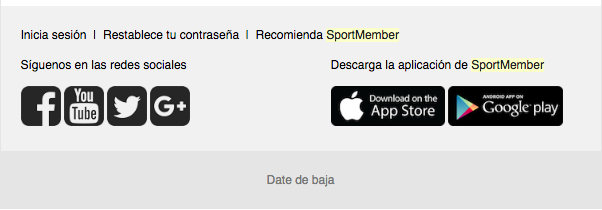
Lo puedes hacer desde la bandeja de entrada de tu correo electrónico. Pincha sobre Date de baja que encontrarás en la parte inferior de cualquier boletín informativo que hayas recibido de SportMember en tu correo. A partir de este instante ya no recibirás información sobre las nuevas funciones y actualizaciones de SportMember.
Was this article helpful?
3 of 3 thought this was helpful