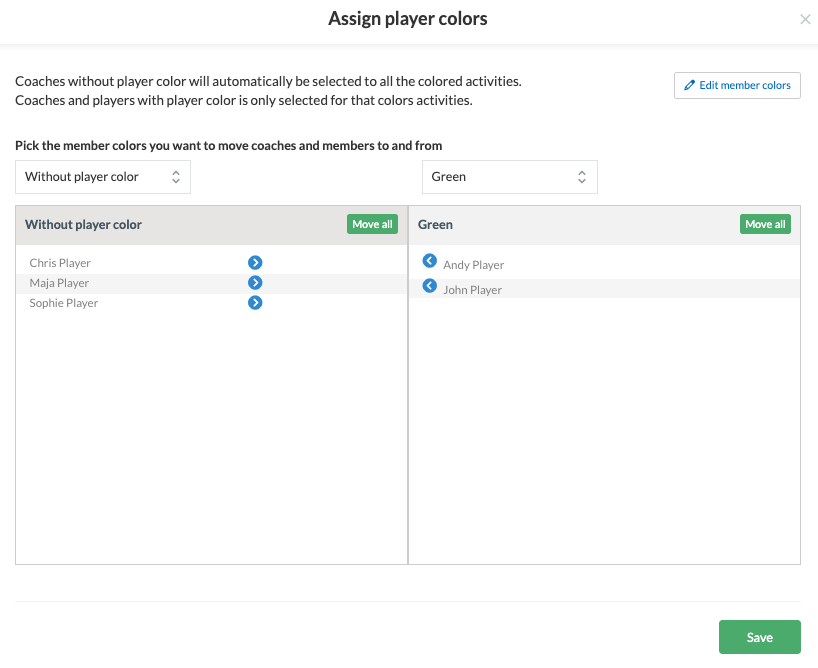
Divide your members/help coaches into member colours so you can easily:
- Communicate with specific member colours via email/push messages/chat
- Create activities where registration is only open to specific member colour
ATTENTION: To create member colors, SportMember must be used on the computer! You can then assign the colors via the app.
Go to Members and Assign player colors
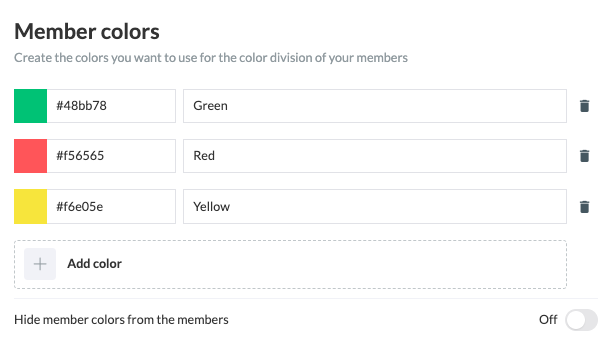
Go to Team Settings and Add Color
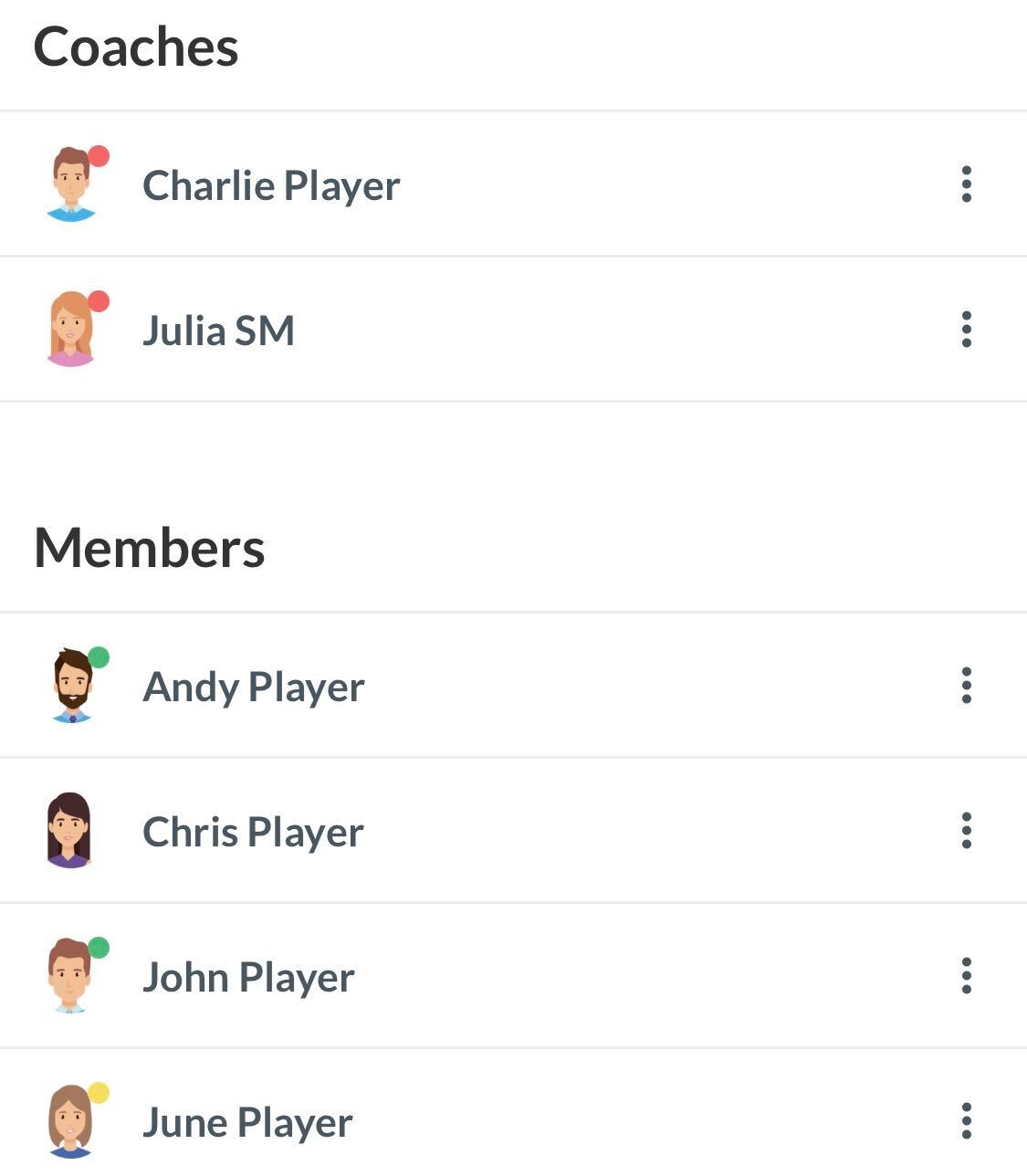
You have now created the member colors, which can be seen immediately in Team settings.
Go to Members and Assign member colors